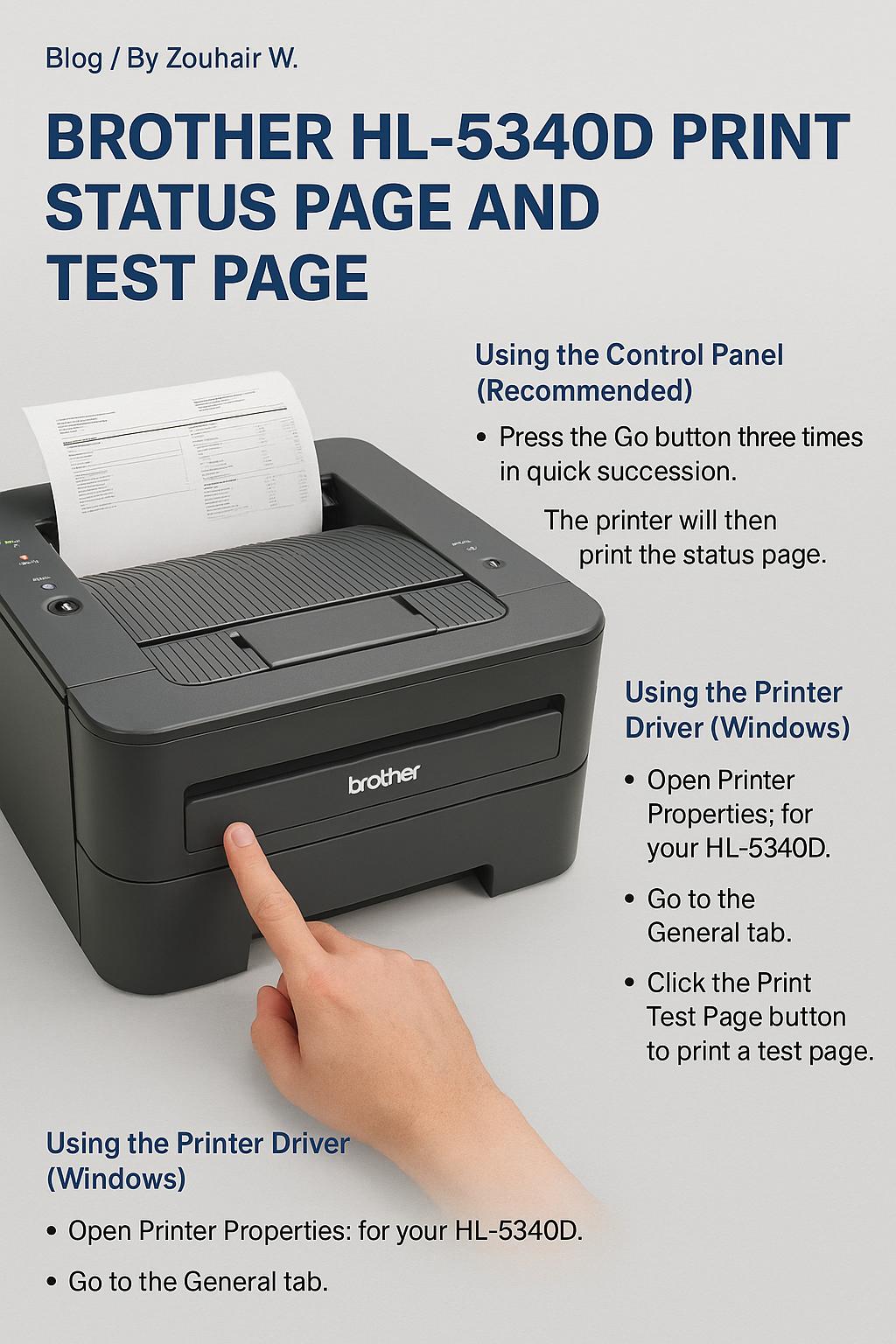
To print a status page on a Brother HL-5340D printer, press the Go button three times quickly on the printer’s control panel. The printer will then print the status page, which contains information about its current settings and configuration. Using the Control Panel (Recommended) Press the Go button: three times in quick succession. The printer … Continue reading brother hl-5340d print status page and test page
Copy and paste this URL into your WordPress site to embed